Using DeepLabCut via OnDemand
DeepLabCut is a toolbox for markerless pose estimation of animals performing various tasks. Using DeepLabCut on Apocrita via OnDemand allows you to run a GUI interface. Please refer to the overview section for instructions on how to login to OnDemand.
Pre-trained models
DeepLabCut will automatically download any required pre-trained models to
$HOME/.config/deeplabcut/<version>. Whilst these shouldn't take up a lot
of space, it might be wise to monitor this directory in case it fills up.
Starting a DeepLabCut session
Select DeepLabCut from the GUIs list of the Interactive Apps drop-down menu, or from the My Interactive Sessions page.
Choose the resources your job will need. Choosing a 1 hour maximum running time is the best option for getting a session quickly. A running time of 24hrs can be requested and will run if resources are available. For 24h GPU job types, researchers need to request access to the GPU nodes, or have access to the DERI/Andrena GPU nodes.
DeepLabCut is much faster on a GPU
Whilst DeepLabCut can run on CPU nodes without a GPU, it is faster to run it on a GPU node if you have access the them.
DeepLabCut only uses one GPU
DeepLabCut only uses one GPU therefore, the form options "number of cores" and "number of GPUs" have been removed from the OnDemand application. All DeepLabCut OnDemand jobs will be submitted with 1 GPU.
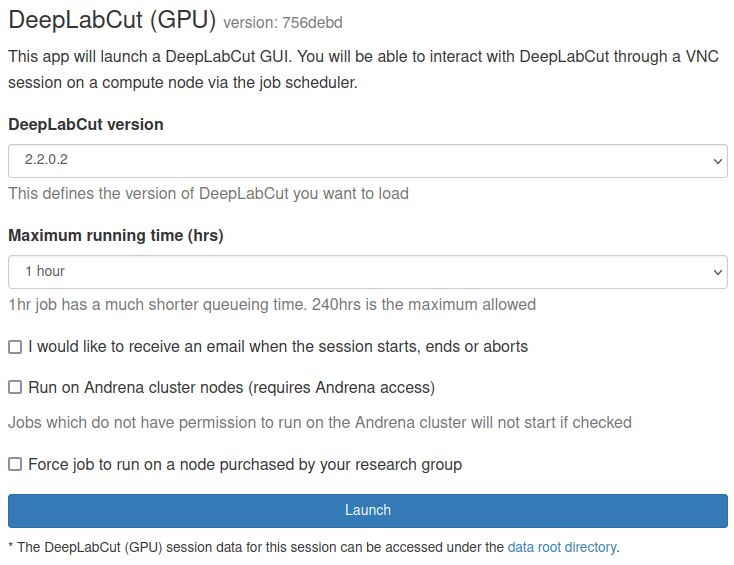
DeepLabCut 3.0.0 does not support Volta V100 cards
DeepLabCut 3.0.0 depends on a version of PyTorch that uses CUDA 13 libraries. CUDA 13 dropped support for Volta V100 cards. Please ensure you filter GPU type using the "Apply job constraints"/"GPU type constraint" boxes.
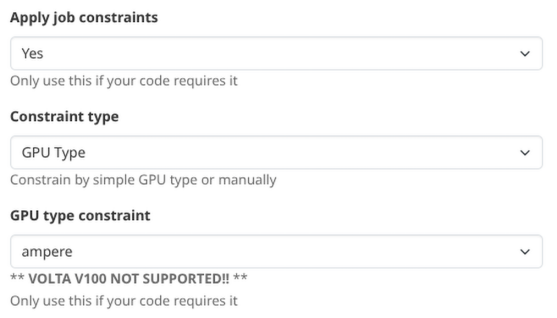
Once clicking Launch, the request will be queued, and when resources have been allocated, you will be presented with the option to connect to the session by clicking on the blue Launch DeepLabCut button.
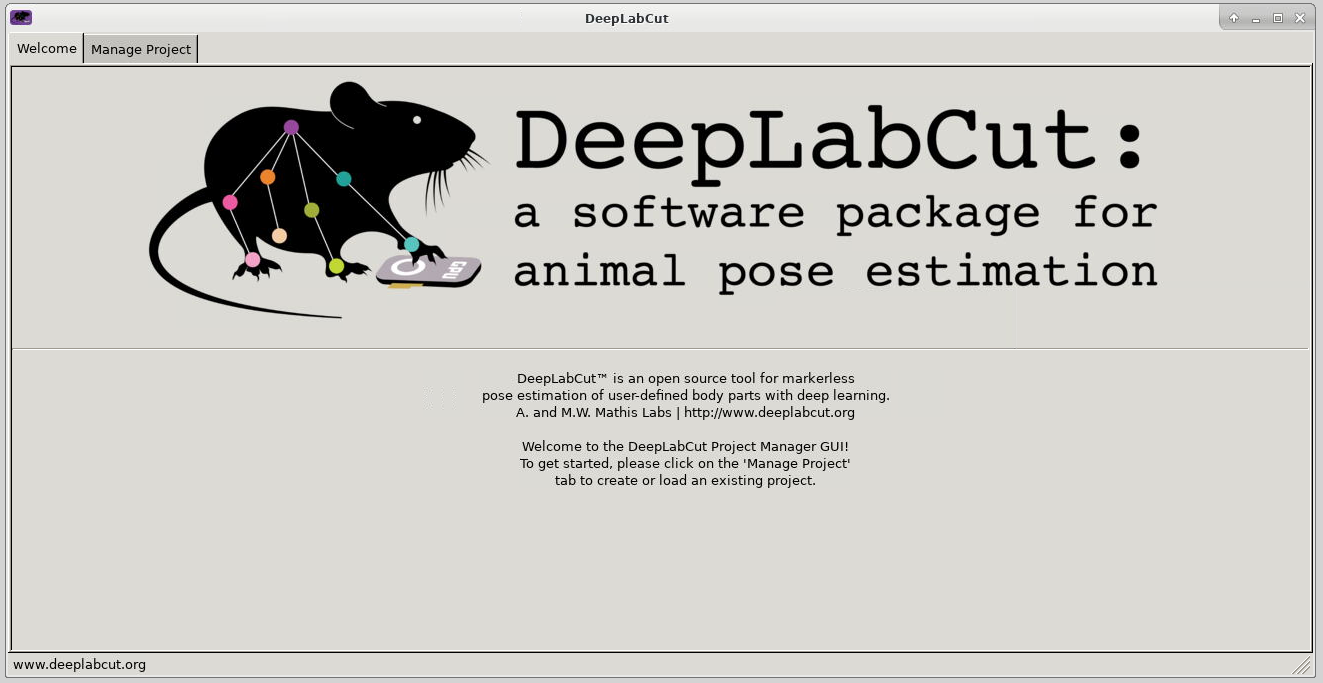
Once connected, the familiar DeepLabCut interface is presented, and you will be able to use the allocated resources, and access your research data located on Apocrita.
GUI initialisation time
Due to the large number of dependencies being loaded to present the DeepLabCut GUI, the application may not be immediately displayed. Please allow up to 5 minutes for the GUI to be loaded before contacting us for assistance.
DeepLabCut 3.0.0 uses PyTorch
Versions of DeepLabCut prior to 3.0.0 used TensorFlow as the backend, but since 3.0.0, this has now moved to PyTorch. Please update all scripts accordingly. TensorFlow is not available for use for DeepLabCut v3.0.0 on Open OnDemand and selecting it via the "Engine" dropdown top right will not work!
Exiting the session
If a session exceeds the requested running time, it will be killed. You can finish your session using one of the following methods:
- clicking [x] in the upper right corner of the DeepLabCut application
- clicking the red Delete button for the relevant session on the My Interactive Sessions page.
After a session ends, the resources will be returned to the cluster queues.